
Our Process
Fluid analysis services customized to your needs.
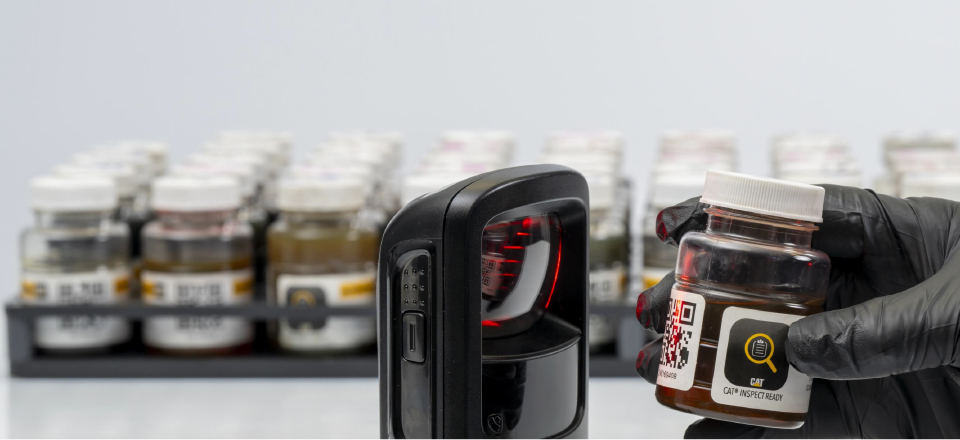
NEW Fluid Analysis Pre-Registration
Caterpillar is introducing new Fluid Analysis capabilities in VisionLink®, powered by S∙O∙S℠ Services. By registering fluid samples directly in VisionLink®, you can easily set up and reuse component sets, link components to dealer‑provided sample bottle numbers, and track each sample as it moves through the lab.
LOGIN
With both VisionLink® web and mobile, you’ll be able to:
- View Sample results
- Register sample
- Track Sample
- Edit Asset & Manage Component
- Component sets
- Record Action & Resolve Needs
- Review Item
Simplified Sampling
- Get a complete view of your asset and fluid health in one place with full VisionLink® integration.
- Submit samples instantly using QR codes and the VisionLink® mobile app or Cat® Inspect—no labels, no paperwork, no need to return to a computer.
- Track sample progress through an updated interface and tailor notifications to match your workflow.
Centralized management
- Keep your data accurate and consistent with a single asset record across all systems.
- Stay ahead of issues with improved service alerts and health notifications designed to help prevent failures.
Cat Inspect 4.0 mobile app
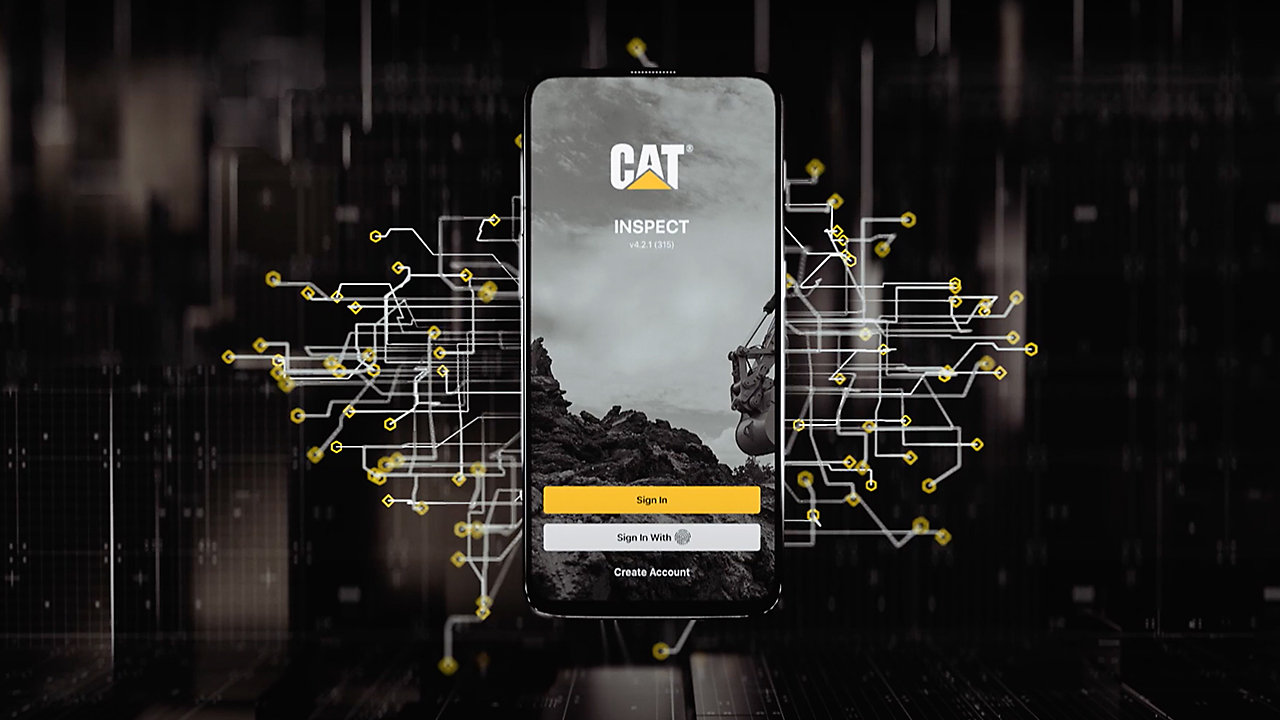 A. Scan the Cat equipment barcode or manually input the serial number;
B. Complete the customer & asset info;
C. Tap on Compartment to associate the sample to the specific compartment;
D. Scan the bottle barcode. Add additional compartments as needed;
E. Tap the back button then the SUBMIT button;
F. Return sample(s) to the Lab. See Shipping Instructions for more details.
Fluid Sample Information form
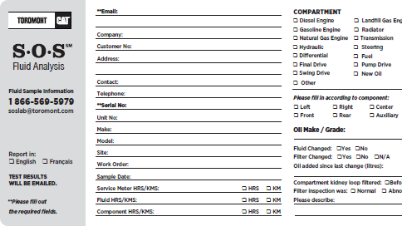 A. Complete all of the required fields;
B. Detach and retain the Customer portion, in the event you need to reference the sample info later;
C. Insert the Lab portion along with the sample into the mailbag provided;
D. Return sample(s) to the Lab. See Shipping Instructions for more details.
Sample Return Methods

DROP-OFF AT A NEARBY BRANCH
For the fastest turnaround, please drop your samples at any one of our branch locations and Toromont will expedite them to our lab for you. View branch locations »

CANADA POST PRE-PAID SHIPPING
Print off your pre-paid shipping label(s) to send your samples from anywhere in Canada. See Shipping Instructions for more details.

TOROMONT HUB SHIPPING LABELS
Login to your account to print Sample return labels off in Toromont Hub.
Have questions about our process or need help with VisionLink?
Additional Tests
In addition to our three main analysis programs, you can use a basic oil analysis bottle and request some additional tests, such as:
- Viscosity - 40°
- ISO 4406 - Particle count
- Water - Karl Fischer
- PQI - Ferrous particle
- Acide number
- Base number
- Bio oil conversion validation
- Flash point analysis (flammability-Diesel)
Sampling Techniques
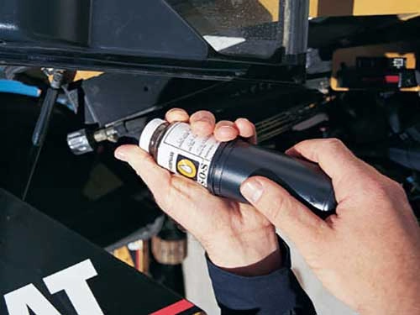
You can draw your fluid sample using a conventional vacuum pump, or a Toromont technician can install a sampling test port to any one of your machine's fluid compartments.
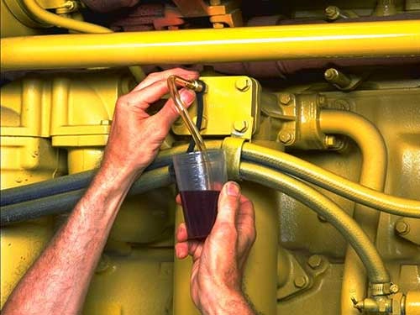
Using oil valve probe
This sampling method requires a Brass Probe (8T9208) and approximately 15 cm (6 in) of tubing. If you are sampling several compartments, begin with the cleaner systems-usually the hydraulic system, then the transmission or steering system, and finally the engine system.
Oil sampling guide
Using vacuum extraction
This sample method requires a Vacuum Pump (1U5718 or equivalent). Use this method for pressurized systems not equipped with sampling valves. Again, it is important to use a new piece of tubing after sampling engine oil because soot and oil additives may remain in the tubing and contaminate other samples.
Fuel sampling guide
Frequently Asked Questions
For step‑by‑step guidance to help you get the most out of VisionLink® and S•O•S℠ Services, consult the below workbook, a quick, practical resource that covers everything from setup to sample tracking, including how to register fluid samples, add assets and components, manage components, add notifications, add reports, track samples in VisionLink®
Read VisionLink Fluid Analysis Workbook
Need help getting started with VisionLink or have questions about our fluid analysis services? No problem — explore our FAQs to learn more.
Read this guide to learn how to modify asset visibility rules.
Read this guide to learn how to organize jobsites by groups.
Read this guide to learn how to configure notifications for your organization.
Contact Us
Oil Sampling Techniques
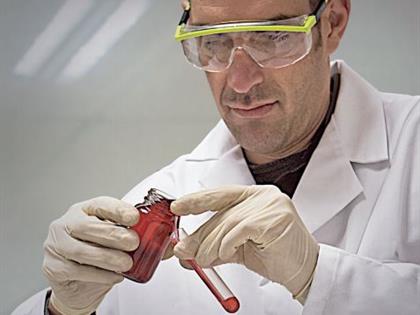
THE TOROMONT ADVANTAGE
The Toromont Fluid Analysis Team doesn't just focus on the condition of your oil, we also focus on the condition of your equipment.
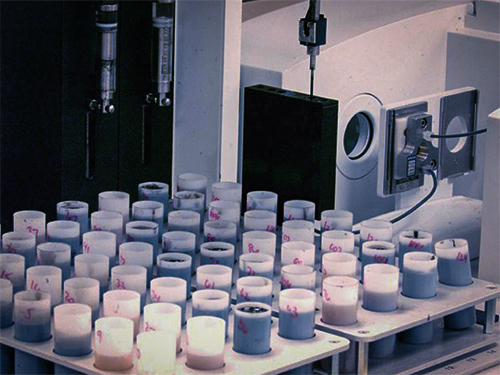
OUR PROCESS
At Toromont Fluid Analysis we offer a service customized to your needs. Dealing with us is as easy as you'd like it to be.
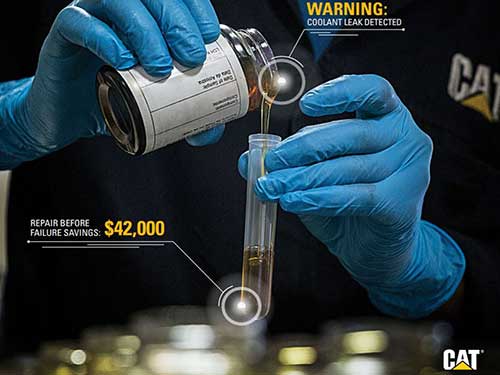
ONLINE REPORTING
Maximize equipment life and productivity, while minimizing operating costs and downtime.
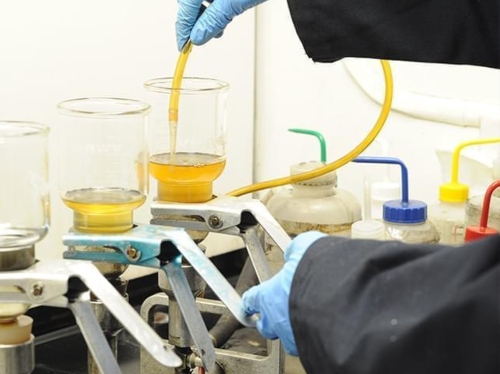
OIL ANALYSIS PROGRAM
We monitor your oil with methods developed by Caterpillar and designed to evaluate the condition of your machine components, not just the condition of your oil.
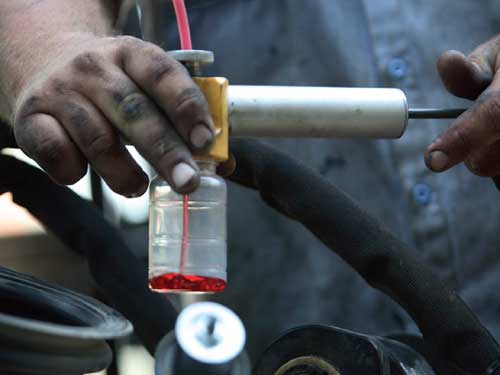
COOLANT ANALYSIS PROGRAM
Cooling system problems contribute to more than 50% of all engine related failures. Diesel engines produce a tremendous amount of power and heat that must be dissipated to keep your engine running properly.
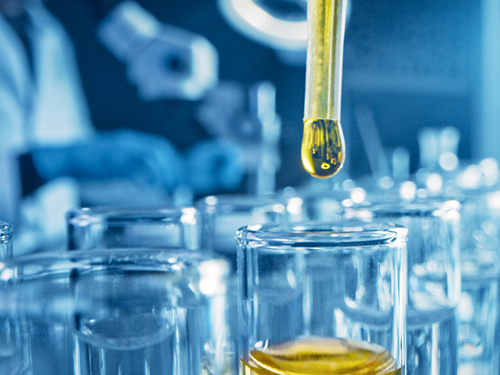
DIESEL FUEL ANALYSIS PROGRAM
It is an assessment of the general condition of the fuel. Poor fuel can cause poor combustion, premature fouling, corrosion, and problems with injectors.
Quebec:
Toromont Cat5001, Trans-Canada Highway
Pointe-Claire (QC) H9R 1B8
Head Office Concord:
Toromont Cat
P.O. Box 5511
3131 Highway 7 West - Building B
Concord, ON L4K5E1

